
Most people write their email signature once, on their first afternoon in a new job, and never look at it again. It then goes out on every message they send for the next four years.
That makes it the most-read piece of writing most employees will ever produce. It is worth getting right, and getting right is mostly a matter of leaving things out.
Below are twelve email signature examples for different roles and situations, what each one is doing, and the handful of rules underneath all of them. At the end there is a note for the person who has to make five hundred of these match.
What a professional email signature contains
Strip away the design and almost every good signature carries the same five things, in roughly this order:
- Identity. Full name, job title, team or company.
- Reach. One phone number, the email address, the company website.
- One action. At most one link you actually want clicked.
- Brand. A small logo or a brand colour, nothing heavier.
- Legal. Registered company details, where your country requires them.

Everything else, the quotes, the second phone number, the row of nine social icons, the animated banner, is optional. Most of it is noise.
Twelve email signature examples
Each example is shown as it would appear in an email. The signatures themselves are plain text plus a small logo, on purpose: text survives every email client, every reply chain and every corporate image filter. The people and companies are fictional.
1. The standard company signature
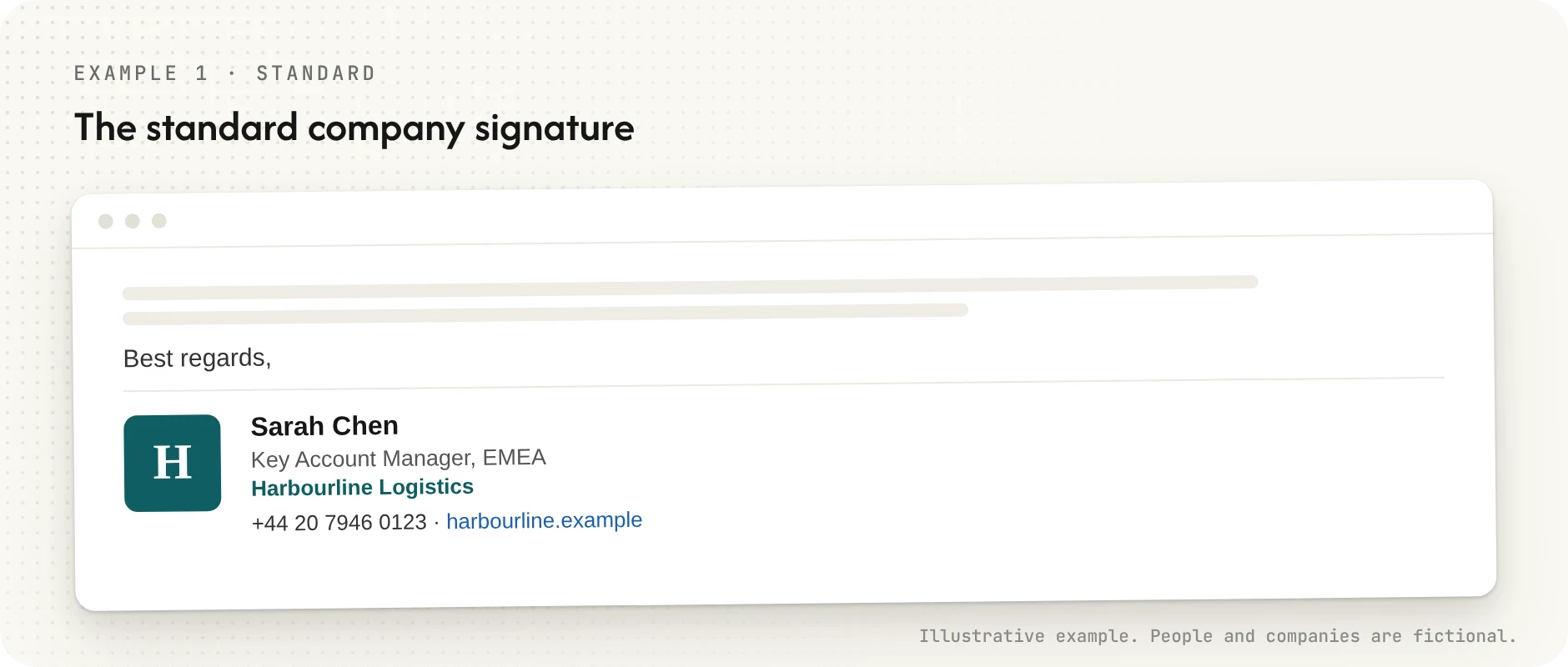
This is the default, and for most employees it is enough. Name, title, company, one way to call, one way to look you up. If your whole company used nothing but this, your signatures would already be better than average.
2. Sales
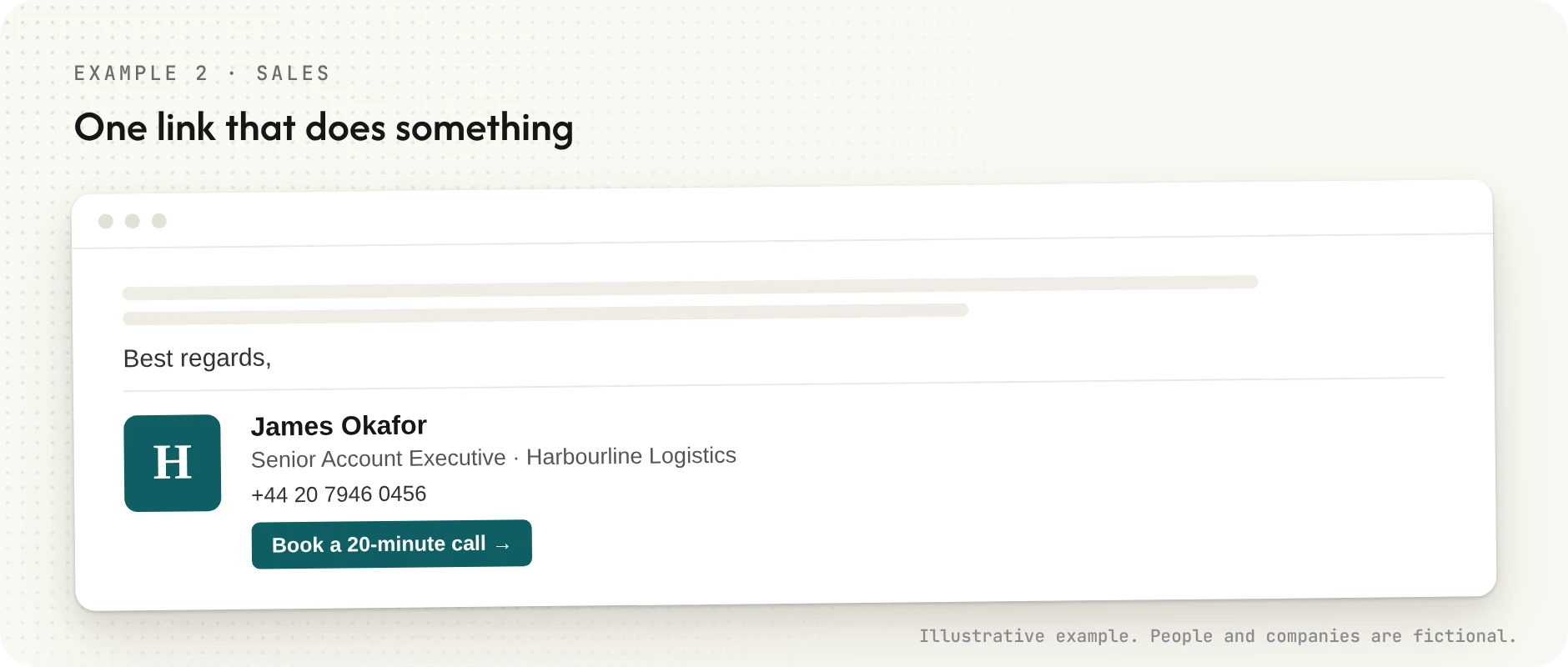
Salespeople get one addition: a single link that does something. A booking page beats a list of social profiles, because it answers the question the recipient is already asking, which is "how do I get time with this person?"
3. Executive
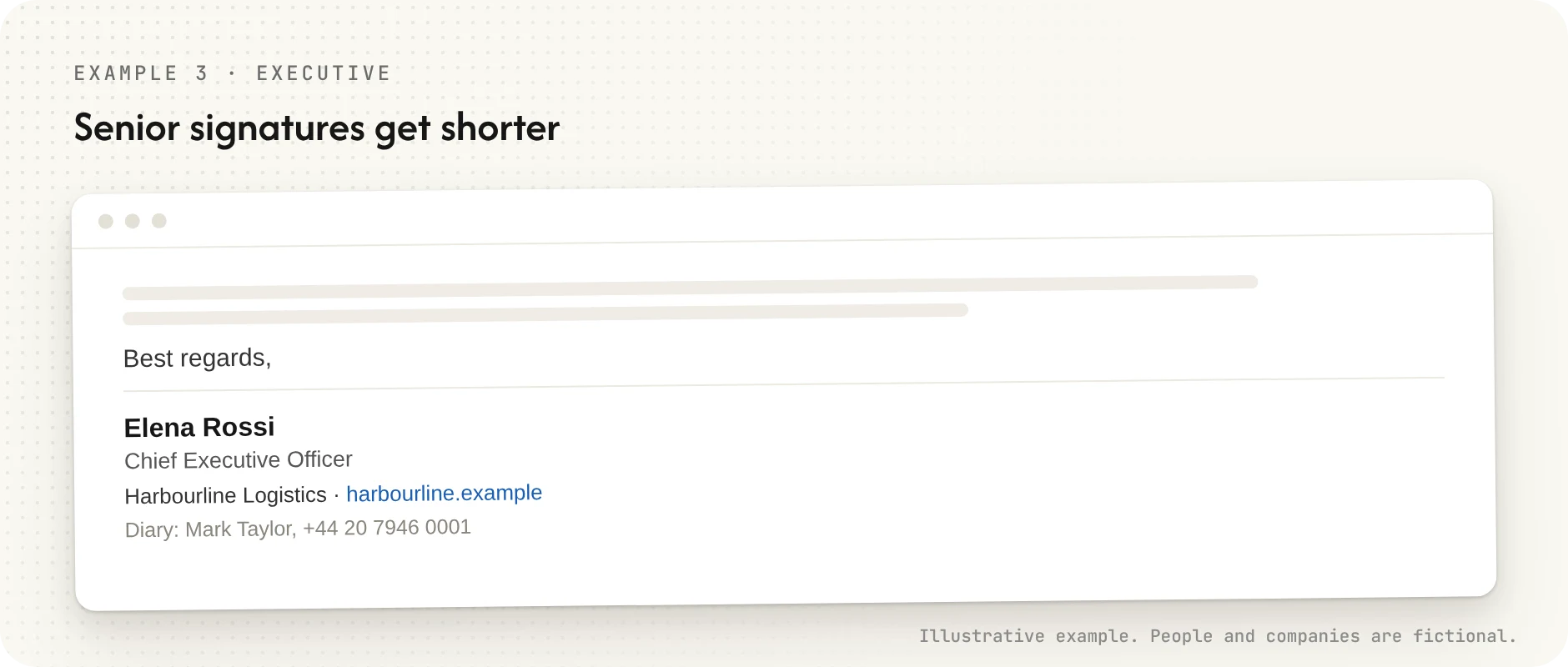
Senior signatures get shorter, not longer. A CEO rarely wants a direct line printed under every email, and the title does the work a banner would otherwise do. If there is an assistant who manages the calendar, add one line: "Diary: Mark Taylor, +44 …".
4. Shared mailbox or support team
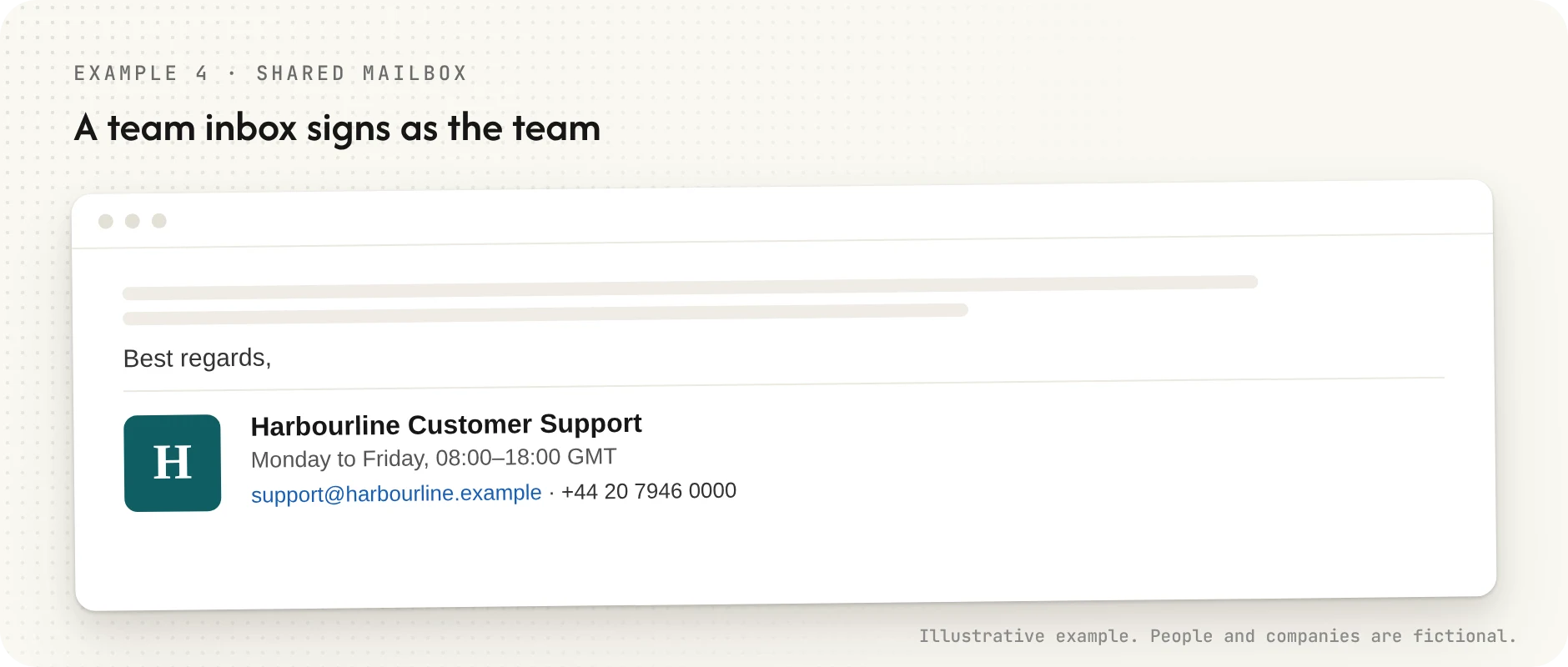
A team inbox should sign as the team. Opening hours set expectations better than an apology about response times, and nobody has to update the signature when the person on shift changes.
5. HR and recruiting
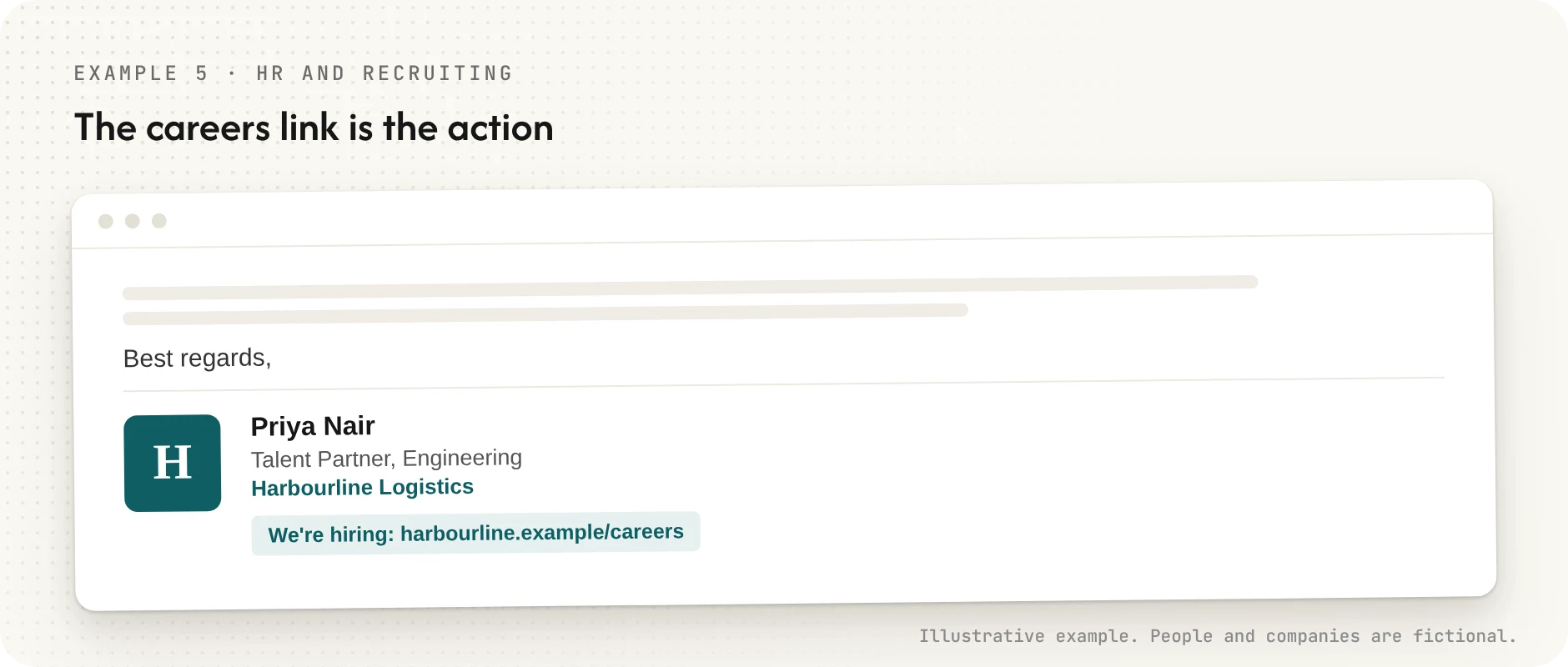
Recruiters are the one group for whom a careers link is the action. Candidates read signatures more closely than anyone, so this is also where an outdated title or a dead link costs most.
6. Bilingual
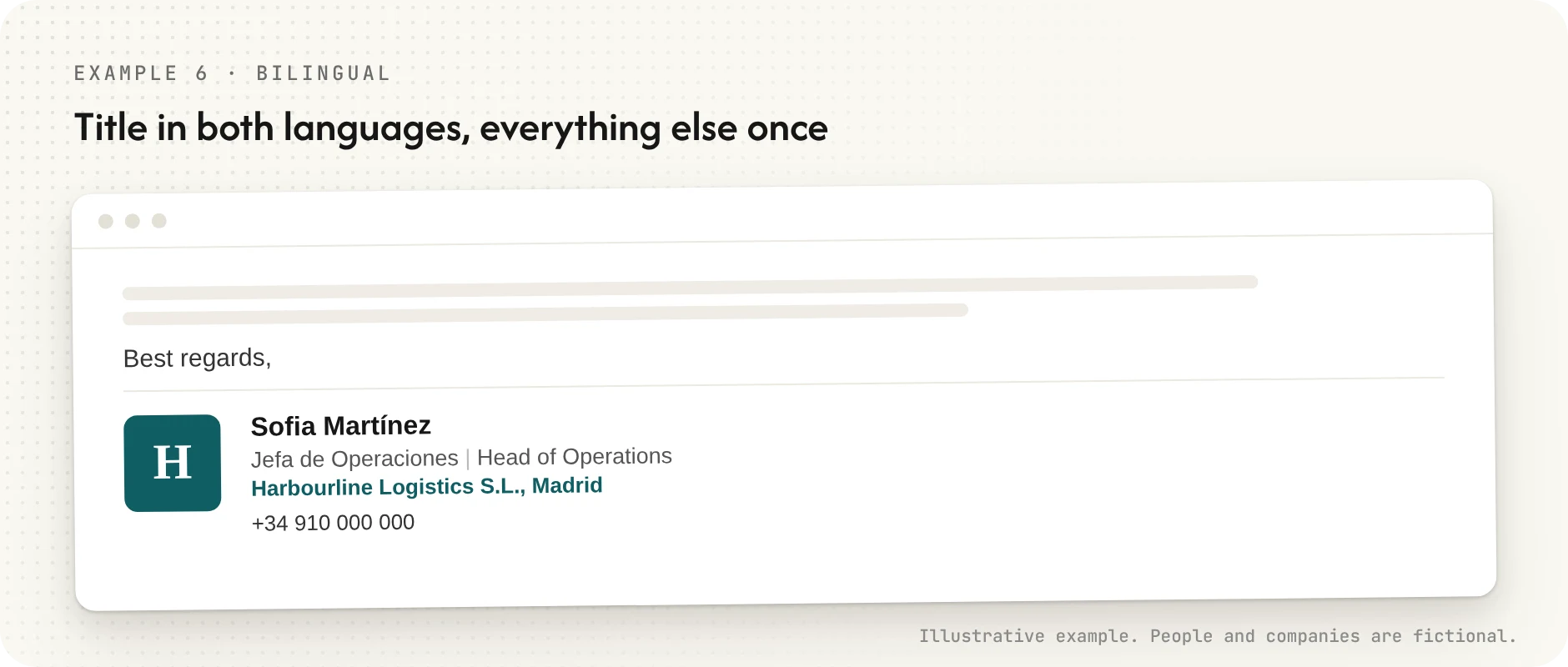
If you work across two languages, put the title in both and keep everything else once. Two full signatures stacked on top of each other doubles the length and halves the readability.
7. A company with legal disclosure requirements
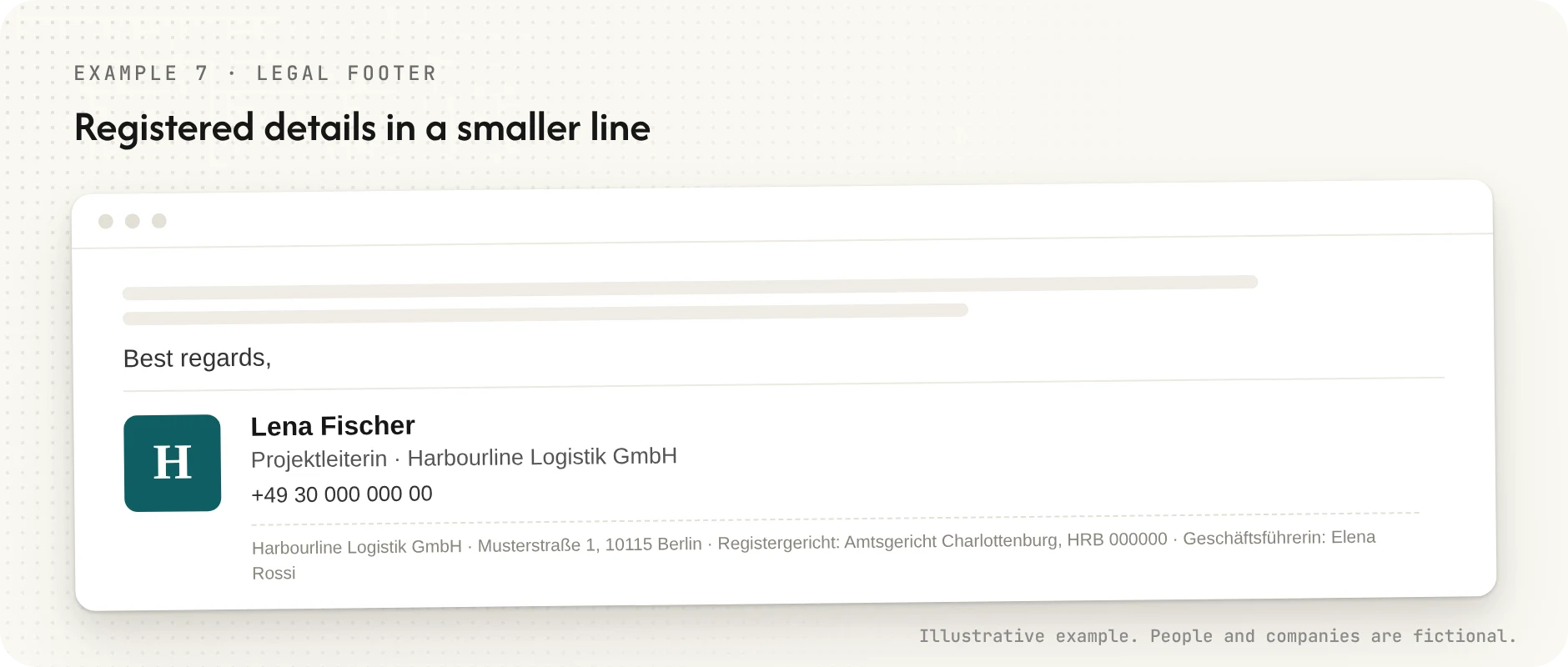
In several European countries business emails count as business correspondence, and the company has to state certain registered details on them. Germany is the best-known case. Put those details in a smaller line at the bottom, keep them accurate, and make sure every employee's signature carries the same version.
8. Academic or professional titles
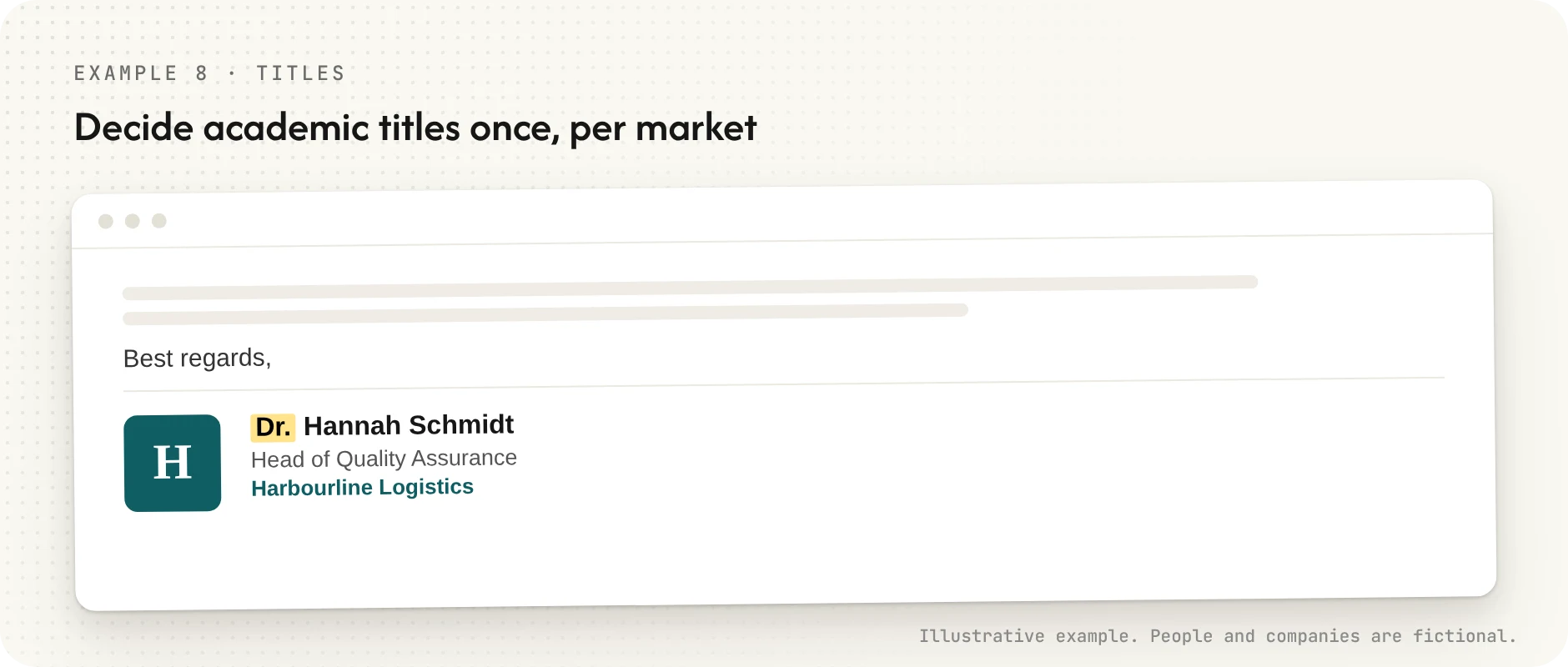
Whether "Dr." or "Mag." goes on the signature is not a matter of taste in every market. In some countries it is expected; in others it reads as showing off; and some titles carry legal weight. We wrote about this in Some job titles legally bind your company. The short version: decide it once, as a company, per market.
9. Preferred name
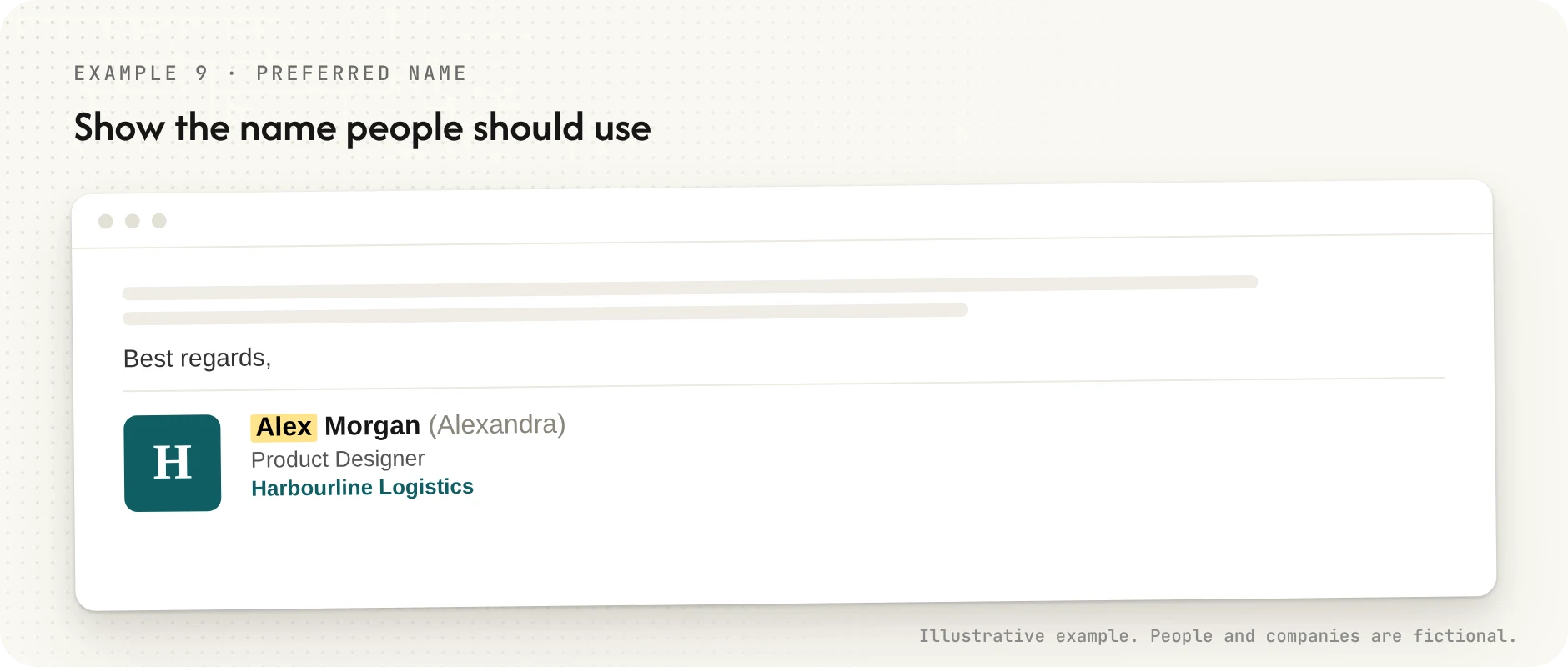
If someone goes by a name that is not the one on their passport, the signature should show the name people should use. That raises a quiet question about which system is the source of truth for names, which we covered in The name field is a policy decision.
10. Campaign or event
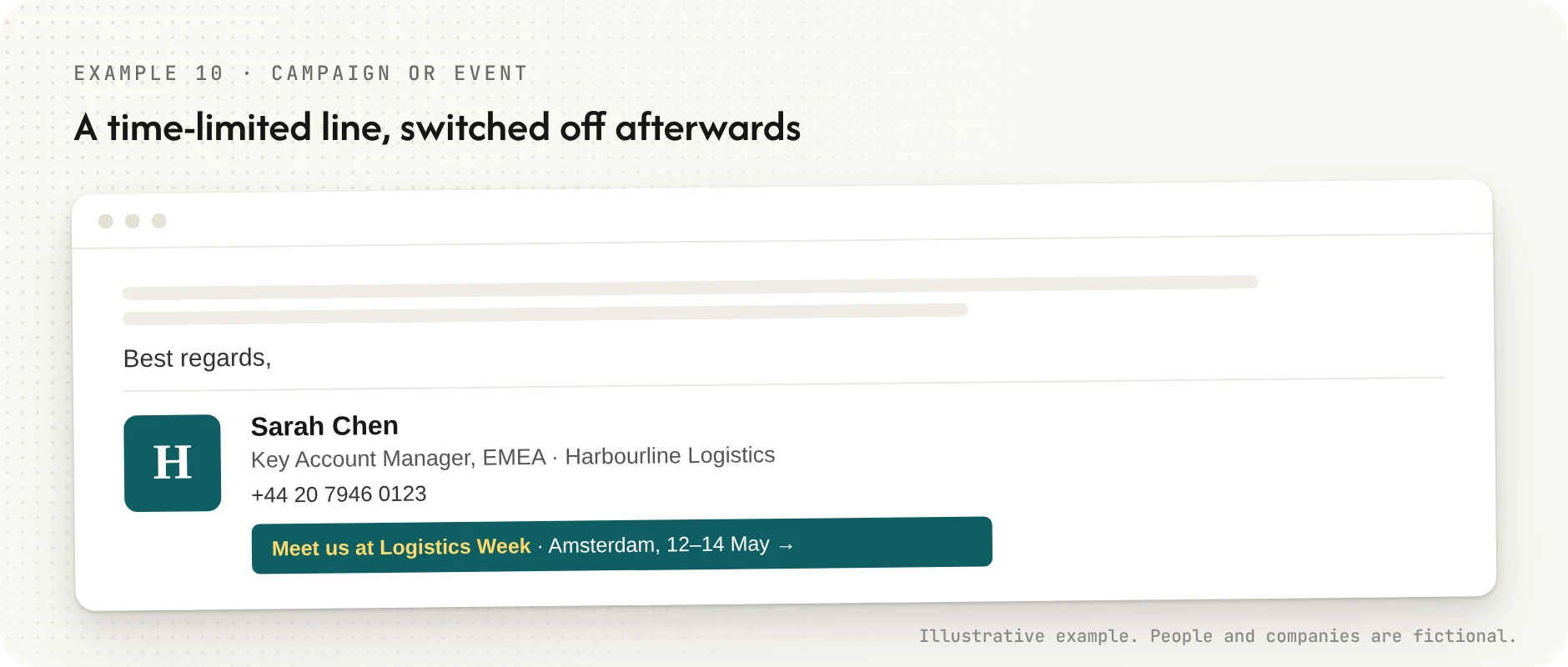
A time-limited line is the one place a signature can promote something. It works only if it is switched off the day the event ends. A banner for a conference that happened last spring tells the recipient nobody is paying attention.
11. Mobile and replies
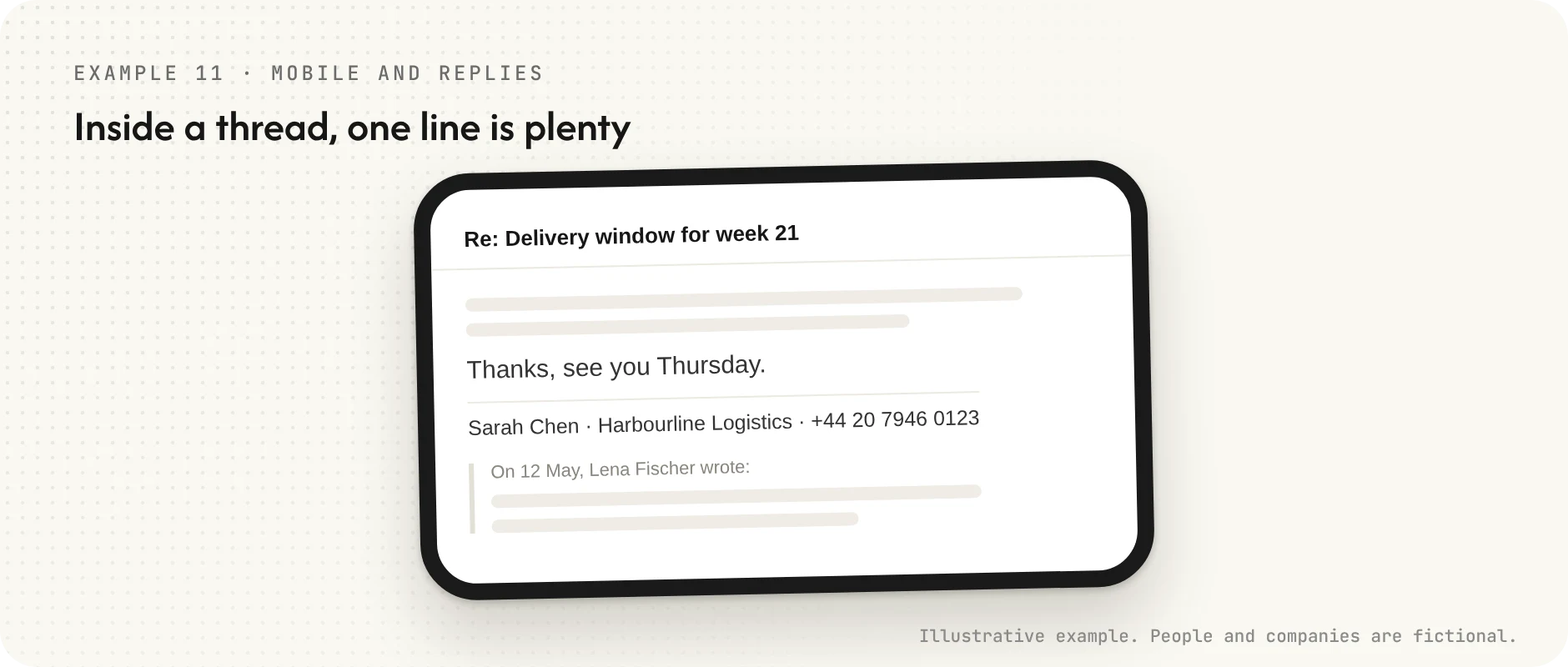
Inside a long thread, a one-line signature is plenty. Most email clients let you set a shorter version for replies and forwards. Use it.
12. One person, several brands
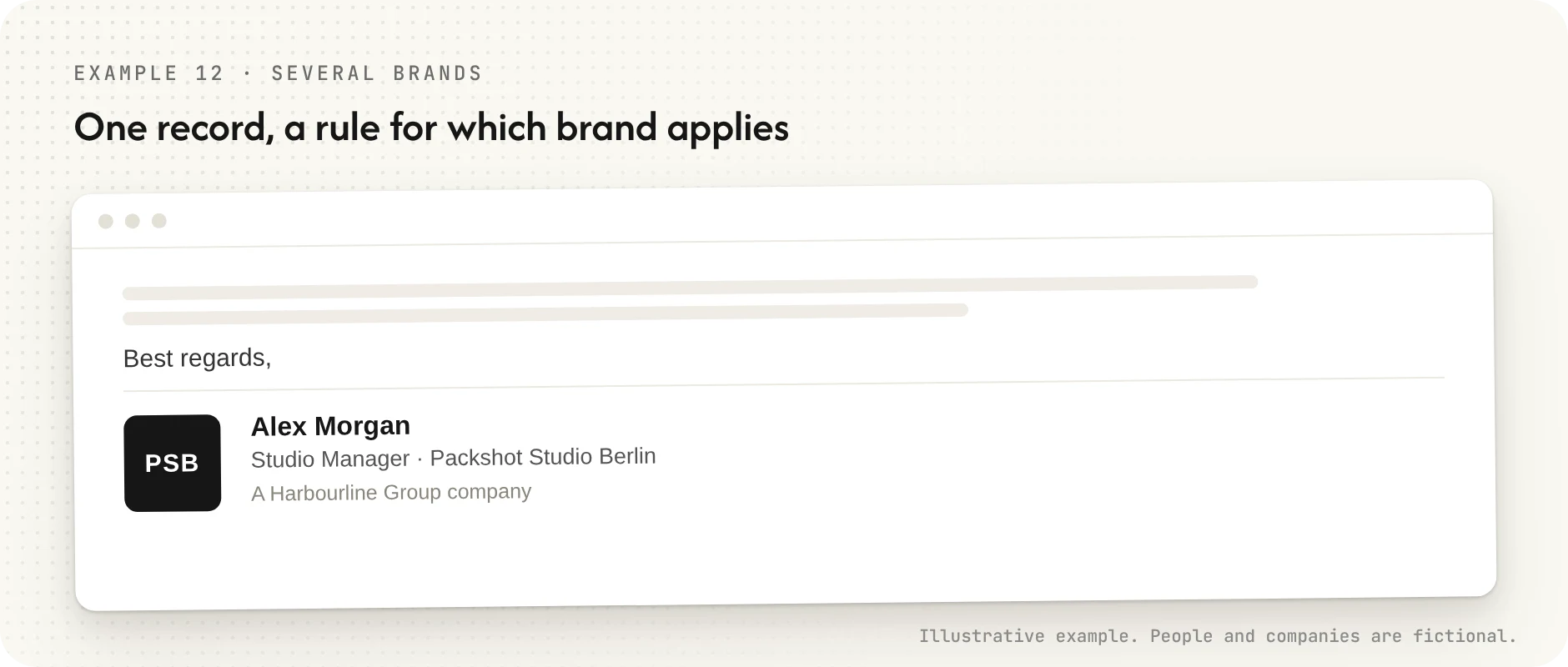
Groups with several trading brands often need the same employee to sign as a different brand depending on the client. The fix is not three hand-made signatures per person. It is one record per person and a rule for which brand applies where.
Email signature best practices
- Keep it to four or five lines. The legal line can be extra, in smaller type.
- Use text, not an image of text. Images get blocked, stripped or shown as attachments, and an image signature cannot be read by screen readers or copied into a contact.
- One phone number. If you list a desk line and a mobile, people pick the wrong one.
- One link that matters. Social icons are fine for marketing teams. For everyone else they are clutter.
- Use a common font. Arial, Helvetica, Verdana and similar system fonts render everywhere. Brand fonts usually fall back to something random.
- Keep the logo small and hosted. A small, linked image rather than an embedded attachment, with alt text, so the signature still reads when images are off.
- Check it in dark mode and on a phone. A black logo on a transparent background disappears on a dark screen.
- Leave out quotes and long disclaimers. A confidentiality paragraph longer than the email rarely protects anything, and it buries the contact details.
The hard part is not the design
Any of the examples above takes five minutes to write. The difficulty starts when a company has two hundred, or two thousand, people writing their own.
Within a year you find four versions of the logo, three spellings of the company name, titles from two promotions ago and a legal footer that refers to an address the company left in 2023. Nobody did anything wrong. Each person simply copied a colleague's signature on their first afternoon and never looked at it again.
That is why larger companies stop treating signatures as something employees write and start treating them as something the company issues, the same way it issues a business card or an access badge. The details come from the HR system or the directory. A promotion updates the title everywhere. A leaver's signature stops on their last day.
That is the approach DBC1 takes. Email signatures in Google Workspace and Microsoft 365 are generated from the same employee record as the physical and digital business cards, so a change made once shows up on every channel. You can see how that works on the product page, how it connects to your directory on the page for IT teams, and where the data is stored on the security page.
Want to see your own signatures generated from your directory? Book a demo and we will walk you through it.
Frequently asked questions
What should a professional email signature include?
Your full name, job title, company, one phone number and the company website. Add one link if there is something you genuinely want people to click, and your company's registered details if your country requires them on business correspondence.
How long should an email signature be?
Four or five lines is the practical limit, plus a smaller legal line if needed. In replies, one line is enough.
Should I put my photo in my email signature?
It can help in sales and recruiting, where people are deciding whether to meet you. For most roles it adds weight without adding information, and it is one more image that may not load.
Should every employee have the same email signature?
The same layout, fonts, logo and legal line, yes. The personal details obviously differ. Consistency is what makes a company look like one company, which is why most organisations above a few dozen people manage signatures centrally rather than leaving each person to build their own.